Whether you received a gift card, got paid on a prepaid payroll card, or simply want to move your balance somewhere more accessible — transferring money from a prepaid card to a bank account is easier than most people think. Here are four proven methods that work in 2026.
IN THIS GUIDE
- Transfer via the card issuer’s app or website
- Use a third-party money transfer service
- Link to PayPal, Venmo, or Cash App
- Enter the amount you want to transfer and confirm
|
Speed: 1–3 business days |
Fee: Usually free or $0–$3 |
Easiest method |
METHOD.1
Transfer via the card issuer’s app or website
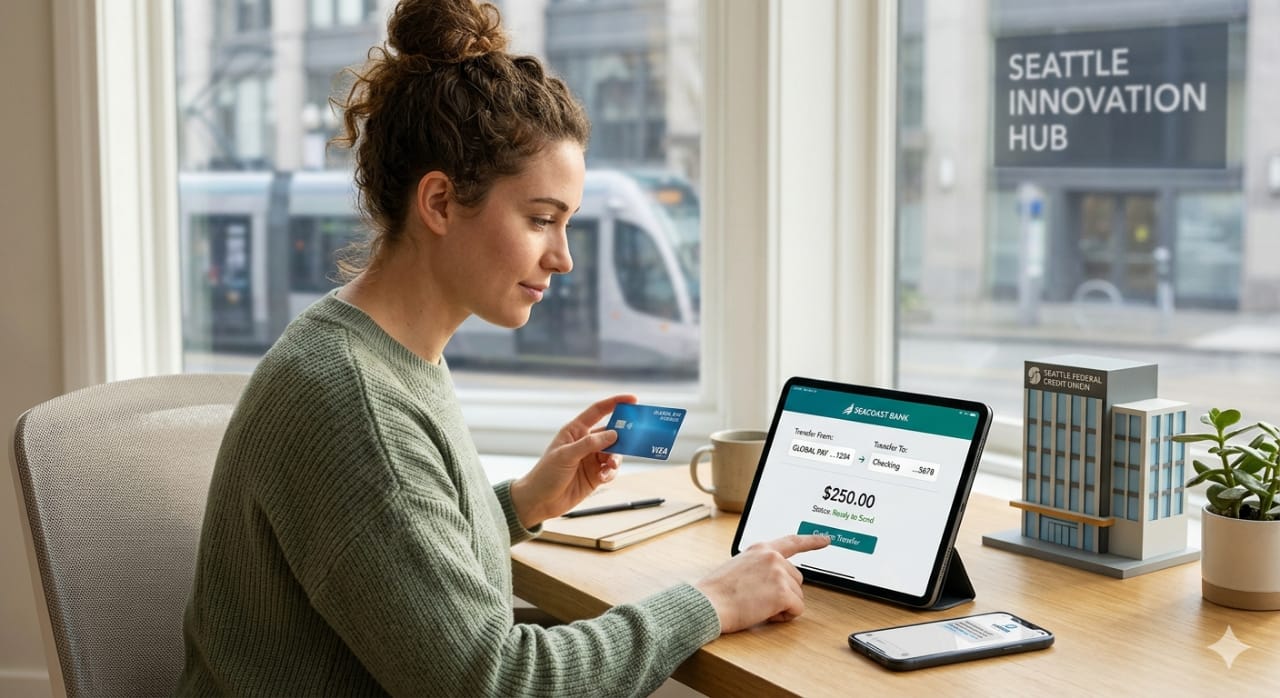
Most major prepaid card providers — including Netspend, Green Dot, and American Express Serve — allow you to transfer your balance directly to a linked bank account through their official app or website. This is usually the simplest and cheapest option.
- Log in to your prepaid card provider’s app or website
- Go to “Transfer Funds” or “Move Money” in the menu
- Link your bank account using your routing and account number
- Enter the amount you want to transfer and confirm
Speed: 1–3 business days Fee: Usually free or $0–$3 Easiest method
METHOD. 2
Use a third-party money transfer service
Services like Western Union or MoneyGram let you load a prepaid card and send money to a bank account. This is a good fallback if your card issuer doesn’t support direct bank transfers.
- Visit the transfer service’s website or app
- Select “Send to bank account” as your delivery method
- Enter your prepaid card as the payment source
- Input the recipient’s bank details and send
Speed: Minutes to 2 days Fee: $1.99–$9.99 depending on amount
METHOD. 3
Link to PayPal, Venmo, or Cash App
Digital wallets make it easy to move money in two steps: load your prepaid card balance into the app, then withdraw to your bank account. This works well if your prepaid card is Visa, Mastercard, or Amex branded.
- Add your prepaid card to PayPal, Venmo, or Cash App
- Transfer your balance to the digital wallet
- Link your bank account to the wallet app
- Withdraw from the wallet to your bank account
Speed: Instant to 3 days Fee: Free (standard) / 1.75% (instant) Great for smaller amounts
METHOD.4
Visit a bank branch or ATM
If you prefer an in-person option, you can withdraw cash from your prepaid card at an ATM and then deposit it into your bank account. Some bank branches also accept prepaid card transfers at the counter.
- Find an ATM in your prepaid card’s network to avoid extra fees
- Withdraw the cash you need
- Deposit the cash at your bank branch or bank ATM
Speed: Same day Fee: $2–$5 ATM fee may apply
Pro tip: Before transferring, always check your prepaid card’s terms for daily transfer limits. Some cards cap transfers at $500–$2,500 per day, which may affect how much you can move at once.
Frequently asked questions
Can I transfer money from any prepaid card to a bank account?
Most Visa, Mastercard, and Amex prepaid cards support bank transfers. Store-brand gift cards (like Amazon or Target) typically don’t — they’re spending-only cards.
How long does a prepaid card to bank transfer take?
Standard transfers take 1–3 business days. Instant options are available through some apps (like PayPal or Cash App) for a small fee.
Are there fees for transferring prepaid card funds?
Fees vary by method. Transfers through your card issuer’s app are usually free. Third-party services and instant transfers typically charge a small percentage or flat fee.
What information do I need to transfer to a bank account?
You’ll need your bank’s 9-digit routing number and your account number, found on a check or in your banking app.
Still have questions about your specific card?
Still have questions about your specific card?
Ask us and we’ll walk you through the exact steps for your prepaid card provider.
Discover more from How to Start Earning Real Money Online
Subscribe to get the latest posts sent to your email.